Remote-controlled timer

Work more efficient with our countdown timer.

We help you show a simple countdown timer to a presenter or other needed while you can control it anywhere with any other devices you have.
35k
Active Users
10
Big Companies
35k
Active Users
10
Big Companies
Trusted by professionals
Use Cases

What is Stagetimer used for?

Livestreams

Keep livestreams on schedule and properly time all segments.
Learn More
Learn More

Events

Keep track of time during events, such as presentations, panels, and performances.
Learn More
Learn More

Meetings

Keep discussions on track and ensure all attendees have a chance to speak.
Learn More
Learn More

Livestreams

Keep livestreams on schedule and properly time all segments.
Learn More
Learn More

Events

Keep track of time during events, such as presentations, panels, and performances.
Learn More
Learn More

Meetings

Keep discussions on track and ensure all attendees have a chance to speak.
Learn More
Learn More
Stagetimer is the perfect tool if you have an event and need to time things. Presenters on stage? Meetings with multiple participants? Church services? Stagetimer can help you keep them all on track.
Explore Use Cases

Livestreams

Keep livestreams on schedule and properly time all segments.
Learn More
Learn More

Events

Keep track of time during events, such as presentations, panels, and performances.
Learn More
Learn More

Meetings

Keep discussions on track and ensure all attendees have a chance to speak.
Learn More
Learn More

Livestreams

Keep livestreams on schedule and properly time all segments.
Learn More
Learn More

Events

Keep track of time during events, such as presentations, panels, and performances.
Learn More
Learn More

Meetings

Keep discussions on track and ensure all attendees have a chance to speak.
Learn More
Learn More
The Timer

Keep your event on track with an accurate timer and rundown

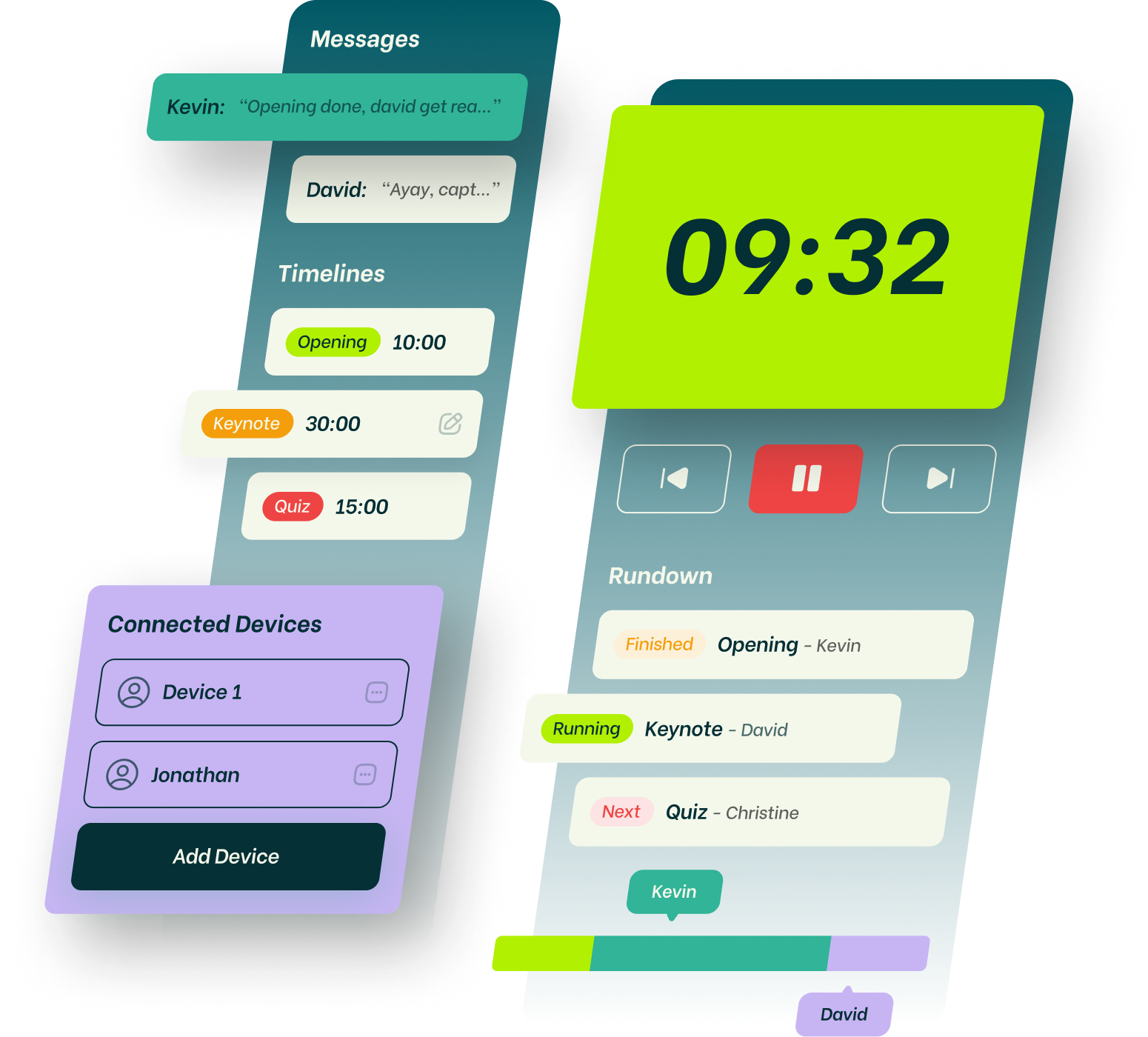
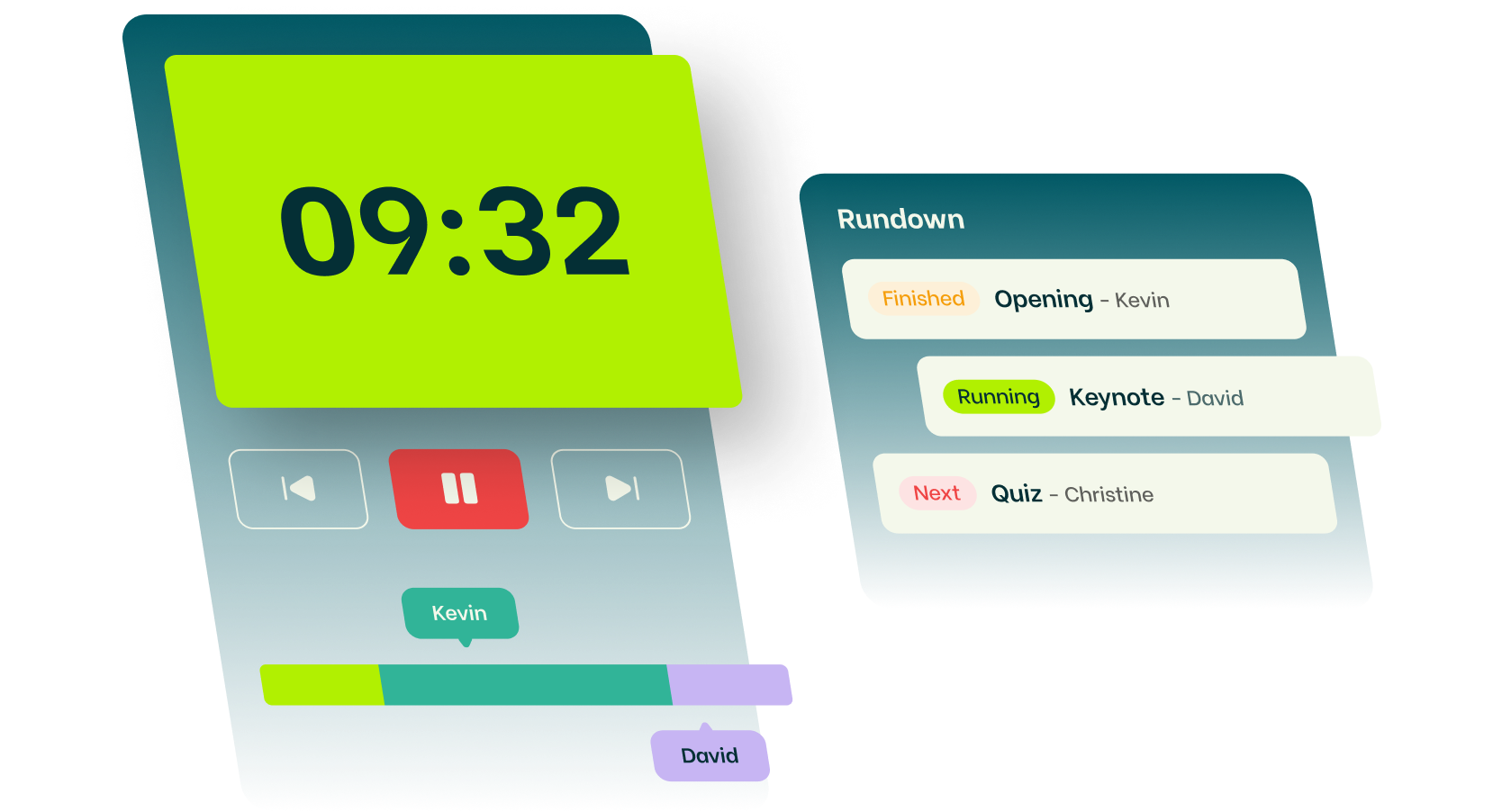
Instead of a Google Sheet, set up your rundown in Stagetimer and you get a fullscreen output for the confidence monitor on stage.
Timers and how to use them
The Messages

Communicate with your talent via messages on the confidence monitor

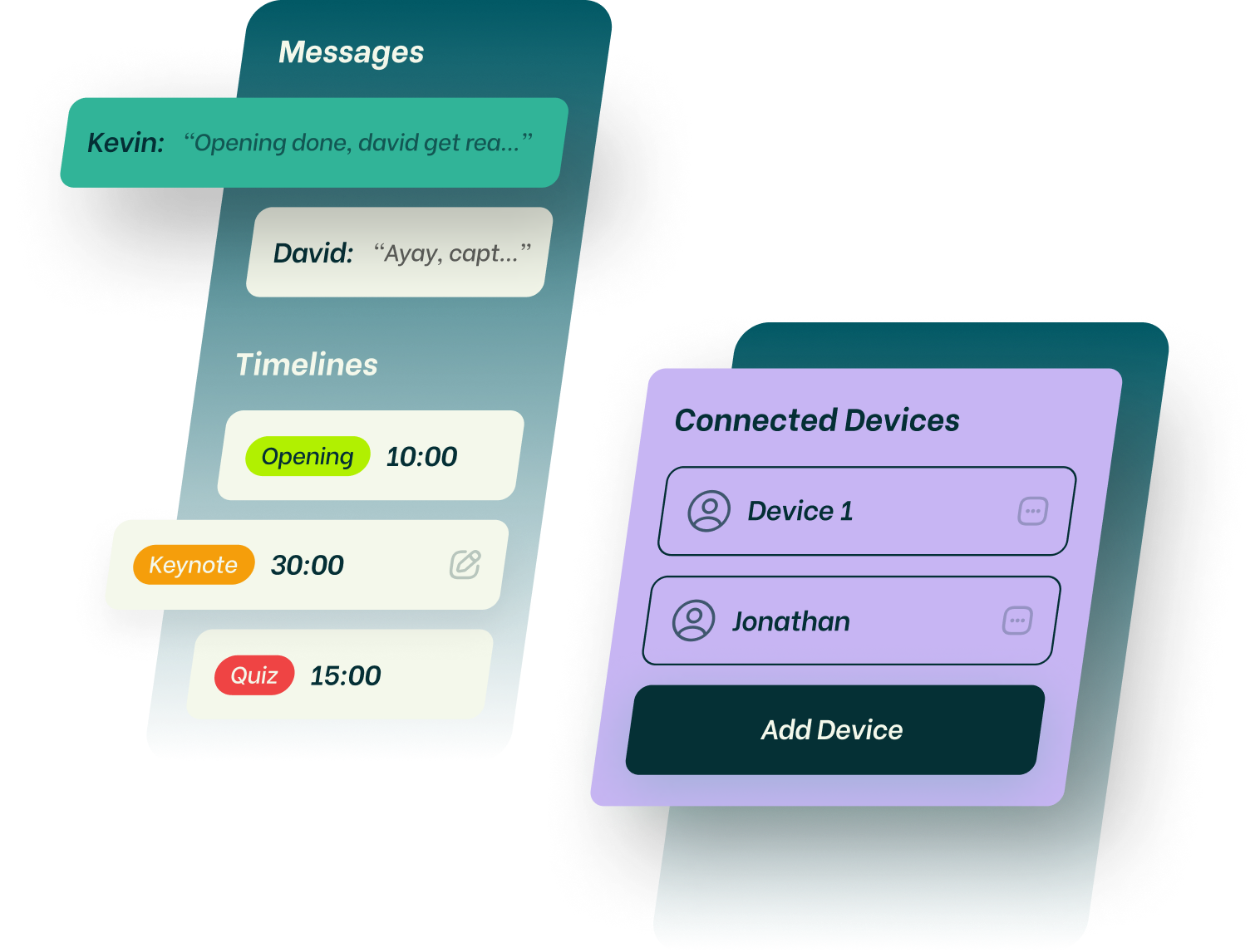
Send messages and signals to the presenter on stage. The text automatically resizes to fit the fullscreen output. It can be displayed in different colors or flash to grab the attention of the talent on stage.
Messages and how to use them

Show a fullscreen timer to your presenter while you control it from another device.

We help you show a simple countdown timer to a presenter or other needed.

We help you show a simple countdown timer to a presenter or other needed.
Stagetimer is the most complex yet simplistic program I have ever used in my 45 years in IT. I have literally played with it all day and I am coming up with more uses for it the more I play with it.
Jeff Flynt
CTO at Butler Automotive Group
We love stagetimer.io, it has been a really useful tool to have in our arsenal, it has really helped us handle some large and complex virtual events with many remote presenters joining from all over the world - all kept to time perfectly with ease!
Paul Swinton
Production Director at Vive Event Production

Stagetimer is the most complex yet simplistic program I have ever used in my 45 years in IT. I have literally played with it all day and I am coming up with more uses for it the more I play with it.
Jeff Flynt
CTO at Butler Automotive Group
We love stagetimer.io, it has been a really useful tool to have in our arsenal, it has really helped us handle some large and complex virtual events with many remote presenters joining from all over the world - all kept to time perfectly with ease!
Paul Swinton
Production Director at Vive Event Production
FAQs

Frequently asked questions

Stagetimer is the perfect tool if you have an event and need to time things. Presenters on stage? Meetings with multiple participants? Church services? Stagetimer can help you keep them all on track.
See all FAQs
Can I program or schedule the countdown timer?
Can I use Stagetimer with any device?
Yes. You can use Stagetimer with any device that has a modern web browser. This includes desktop computers, laptops, tablets, and smartphones. Stagetimer is a web-based application, so you do not need to download or install any software to use it. Simply visit the Stagetimer website in your web browser and you will be able to use all of the features of the app. You can also use Stagetimer offline on a Mac or Windows computer by downloading the offline version of the app.
Can attendees send questions to the presenter?
Can I share the event agenda with others?
Can I use the timer in different time zones?
See all FAQs
FlowBitz Powered by FlowBitz